Каждый запрос, который вы отправляете Claude, имеет контекстное окно. Миллион токенов кажется большим объёмом, но в реальных приложениях оно заполняется быстрее, чем вы думаете. Вот здесь и приходит на помощь управление контекстом: это способ оставаться в пределах окна, не теряя важную информацию.
Что считается контекстом
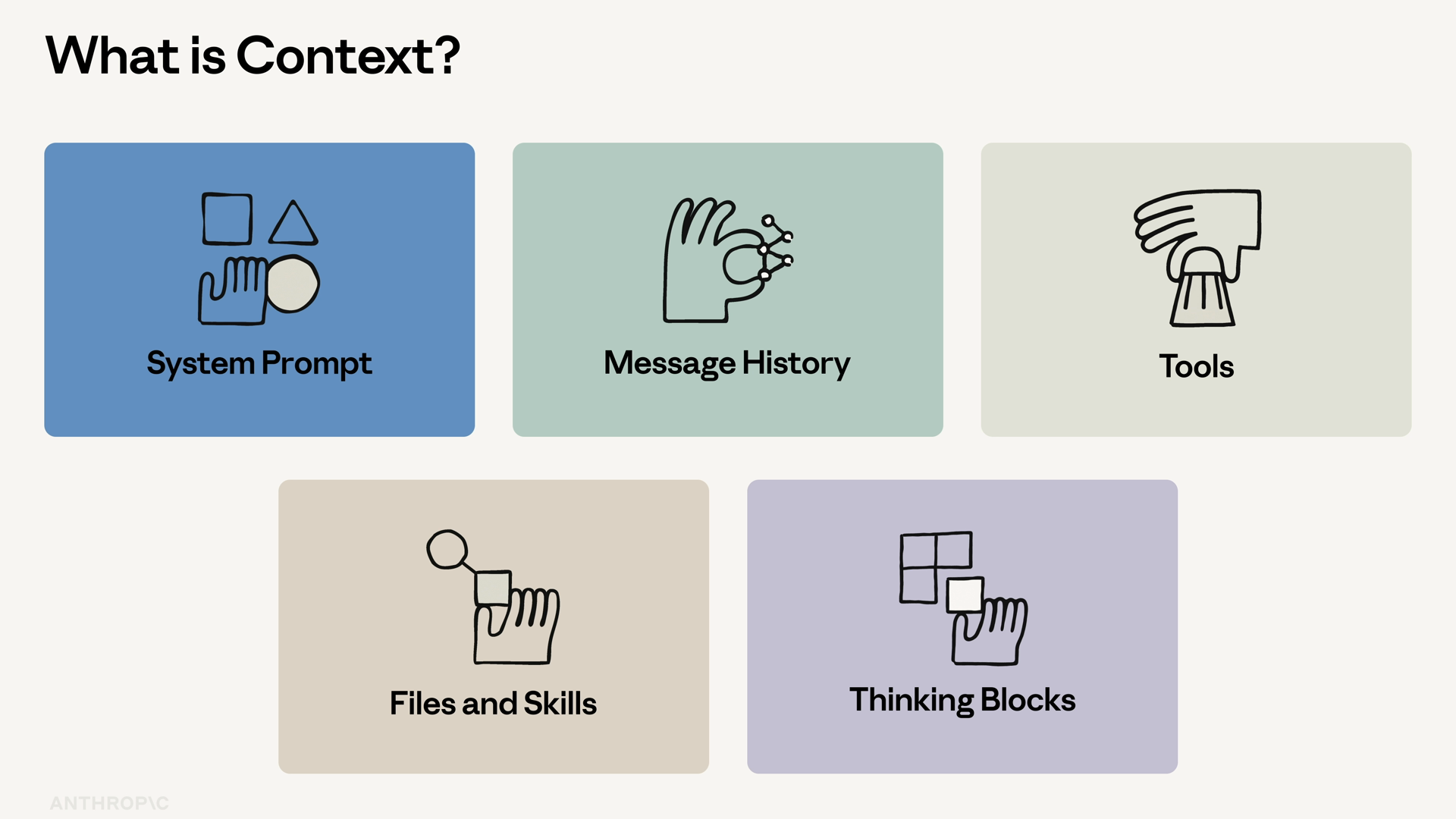
Контекст — это всё, что видит Claude в текущем запросе:
- Системный промт
- Историю сообщений
- Определения инструментов и результаты их выполнения
- Прикреплённые файлы и навыки
- Блоки размышлений
Это входные данные для каждого API-запроса. Вы платите за них при отправке и при получении ответа. И как только окно заполняется, запрос не выполняется.
Поэтому цель не в том, чтобы уместить всё подряд, а в том, чтобы поместить нужное.
Компания Anthropic предлагает четыре подхода к управлению контекстом в долгосрочных агентах. Три из них — это встроенные функции API, а один — шаблон проектирования.
Подход 1: Контекст по мере необходимости
Не загружайте всё сразу. Загружайте только то, что нужно агенту сейчас, и дайте ему возможность подтягивать дополнительную информацию через инструменты, когда он запросит.
Возьмём, например, агента для проверки соответствия нормам. Ему не нужно загружать в системный промт весь свод строительных норм — он вызывает инструмент `lookup_building_code`, когда ему нужна конкретная секция. Это единственный шаблон из четырёх, который не требует специальных функций API, а лишь осознанный выбор того, что и когда загружать.
Подход 2: Сжатие контекста на стороне сервера
Когда диалог становится слишком длинным, Anthropic автоматически сжимает старые сообщения в один блок. Вы можете включить эту функцию, добавив в запрос ключ `context_management` с типом редактирования:
```python
response = client.messages.create(
model="claude-sonnet-4-5",
max_tokens=1024,
context_management={
"edits": [
]
},
messages=messages,
)
```
API выполняет сжатие автоматически, когда входные данные превышают пороговое значение. Вам не нужно самостоятельно отслеживать длину диалога.
Подход 3: Кэширование промтов
Кэширование промтов позволяет отмечать стабильные части запроса — системный промт, определения инструментов, длинные документы — и повторно использовать их в последующих вызовах с минимальной стоимостью.
Масштаб экономии может быть значительным. Если ваш системный промт занимает 4000 токенов, а вы вызываете его 100 раз в час, кэширование определяет, будет ли ваш счёт приемлемым или вам позвонят из финансового отдела.
Подход 4: Инструмент памяти
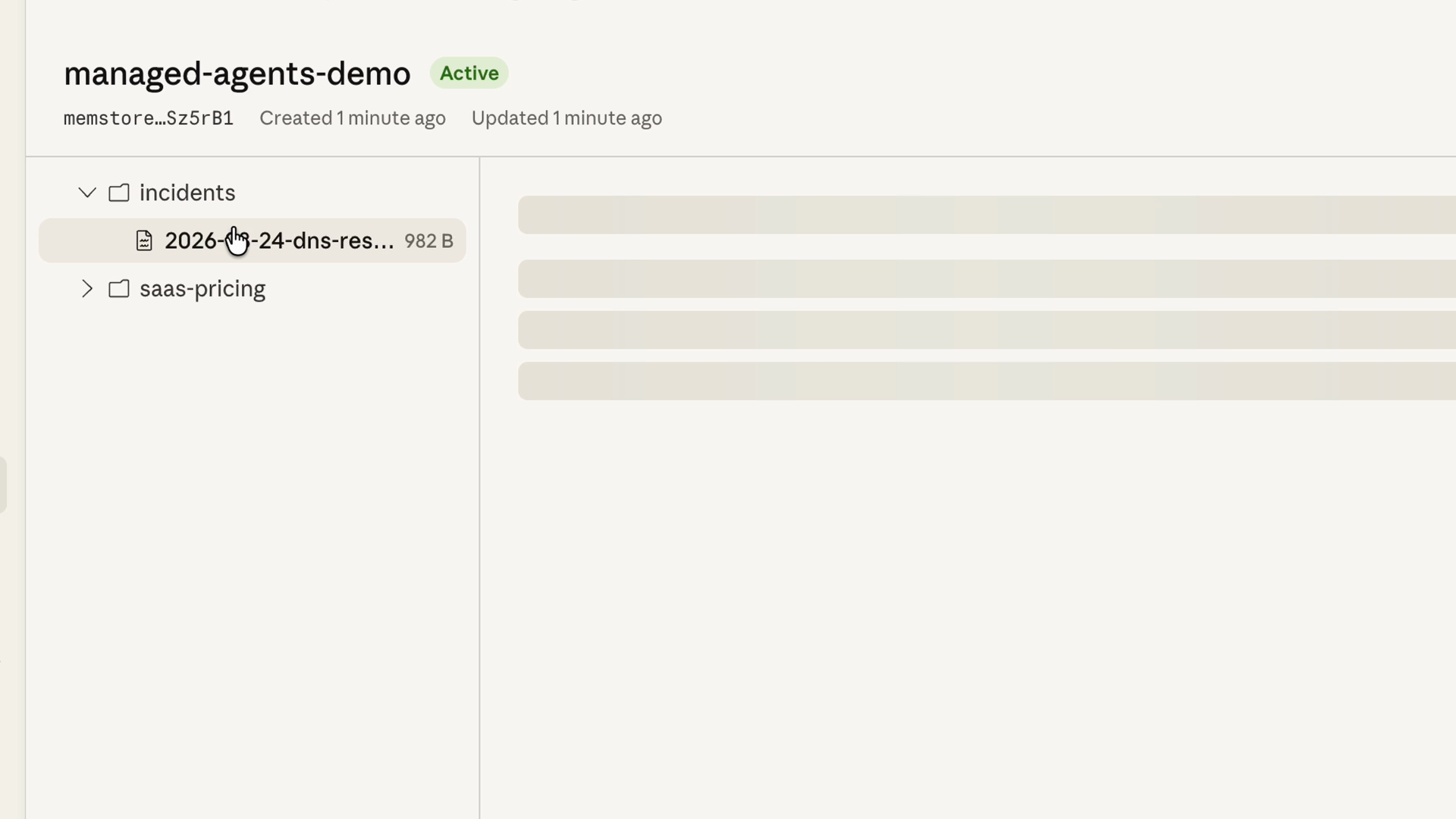
Некоторый контекст должен сохраняться между сессиями: предпочтения пользователя, текущие заметки агента, решения, принятые на прошлой неделе. Рекомендуемый способ для этого — инструмент памяти.
Вот как он работает:
- Claude читает и записывает данные в директорию памяти через вызовы инструментов.
- Вы реализуете бэкенд хранения на своей стороне — файловую систему, базу данных, зашифрованное хранилище или что угодно ещё.
- Anthropic автоматически добавляет системную инструкцию, предписывающую Claude проверять директорию памяти перед началом работы.
Комбинирование подходов
В реальных приложениях обычно используют все четыре подхода одновременно. Например, агент для проверки соответствия норм кэширует системный промт и определения инструментов, а недостающие разделы строительных норм подгружает по мере необходимости через инструмент `lookup_building_code`.
Каждый подход решает свою проблему: стоимость, размер окна, отсутствие состояния. Выберите те, которые актуальны для вашего случая.
Итоги
- Контекст — это всё, что видит Claude в текущем запросе, и он не бесплатен и не бесконечен. Как только окно заполняется, запрос не выполняется.
- Контекст по мере необходимости: загружайте только то, что нужно сейчас, а остальное подтягивайте через инструменты. Это единственный шаблон из четырёх, который не требует специальных функций API.
- Сжатие контекста на стороне сервера: добавьте ключ `context_management`, и API автоматически сожмёт старые сообщения, когда входные данные превысят пороговое значение.
- Кэширование промтов: отмечайте стабильные части запроса и повторно используйте их в последующих вызовах с минимальной стоимостью.
- Инструмент памяти: Claude читает и записывает данные в директорию памяти через вызовы инструментов; вы контролируете бэкенд хранения, поэтому контекст сохраняется между сессиями.
- Четыре подхода, одна цель. Настройте их вручную или используйте управляемых агентов Claude, в которых кэширование и сжатие включены по умолчанию.
Every request you send Claude has a context window. A million tokens sounds like a lot, but it runs out faster than you think once you're shipping a real agent. That's where context management comes in: it's how you stay inside the window without losing what matters.
What counts as context
Context is everything Claude sees on a given turn:
- The system prompt
- The message history
- Tool definitions and tool results
- Attached files and skills
- Thinking blocks
It's the input to every single API call. You pay for it on the way in, and you pay for it on the way out. And once the window is full, the request fails.
So the goal isn't to fit everything in. The goal is to fit the right things in.
Anthropic publishes four patterns for managing context in long-running agents. Three are first-class API features, and one is a design pattern.
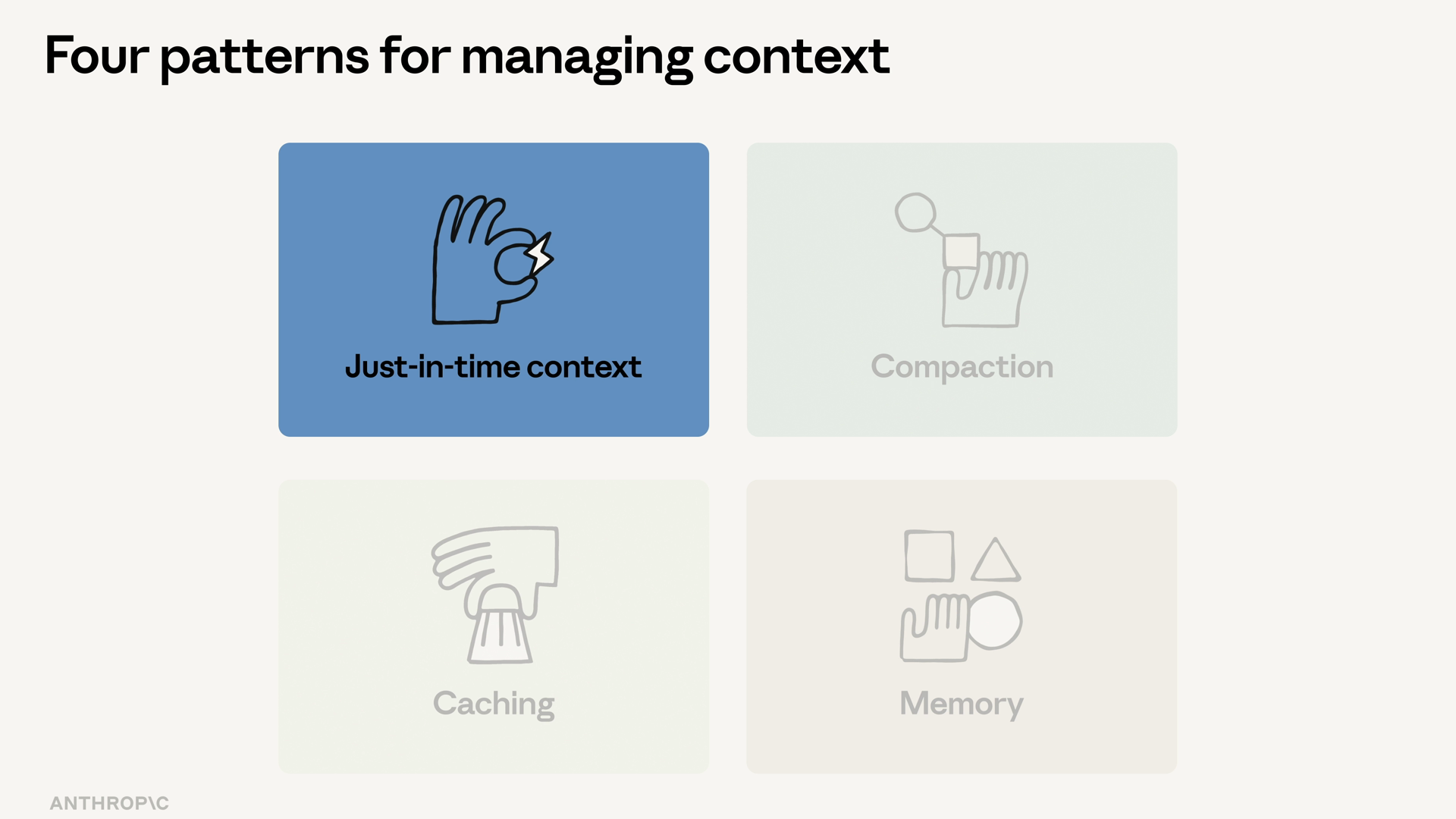
Pattern 1: Just-in-time context
Don't load everything upfront. Load what the agent needs now, and let it pull more in via tools when it asks.
Think of a compliance review agent. It doesn't get the entire building code book stuffed into its system prompt — it calls a lookup_building_code tool when it needs a specific section. This is the design pattern of the four: nothing special in the API, just a deliberate choice about what you load and when.
Pattern 2: Server-side compaction
When a conversation runs long, Anthropic's server-side compaction summarizes old turns into a single block. You opt in by adding a context_management key to your request, holding an edit with a type:
response = client.messages.create(
    model="claude-sonnet-4-5",
    max_tokens=1024,
    context_management={
        "edits": [
            {"type": "compact"}
        ]
    },
    messages=messages,
)
The API auto-summarizes when the input crosses the trigger threshold. You don't have to track conversation length yourself.
Pattern 3: Prompt caching
Prompt caching lets you mark the stable parts of a request — the system prompt, the tool definitions, a long document — and reuse them across calls at a fraction of the cost.
The math matters more than it looks. If your system prompt is 4,000 tokens and you call it 100 times an hour, caching is the difference between a usable bill and a phone call from finance.
Pattern 4: The memory tool
Some context needs to survive across sessions: user preferences, the agent's running notes, what was decided last week. The recommended primitive for this is the memory tool.
Here's how it works:
- Claude reads and writes to a memory directory via tool calls.
- You implement the storage backend client-side — a file system, a database, an encrypted store, whatever you want.
- Anthropic auto-injects a system instruction telling Claude to check the memory directory before starting work.
Layering the patterns
In a production app, you'll usually layer all four at once. The compliance review agent caches its system prompt and tool definitions, and pulls building code sections in just in time via lookup_building_code.
Each pattern handles a different failure mode: cost, window size, statelessness. Pick the ones that match what's breaking for you.
Recap
- Context is everything Claude sees on a turn — and it isn't free or infinite. Once the window fills, the request fails.
- Just-in-time context: load what's needed now, let tools pull in the rest. This is the design pattern of the four.
- Server-side compaction: add a
context_management key, and the API summarizes old turns automatically when input crosses the trigger threshold.
- Prompt caching: mark stable parts of the request and reuse them across calls at a fraction of the cost.
- The memory tool: Claude reads and writes a memory directory via tool calls; you own the storage backend, so context survives across sessions.
- Four patterns, one goal. Wire them up by hand, or use Claude managed agents, which ship with caching and compaction on by default.
